
Do
- Ask for one feature at a time
- Be specific about behavior and look
- Read the plan and the diffs before approving
- Commit to Git when something works
# vibe-coding-on-phone
Vibe coding means describing what you want and letting an AI write the code. PolyDev makes it practical on a phone: the agent edits real files, runs them in a real terminal and shows the app running.
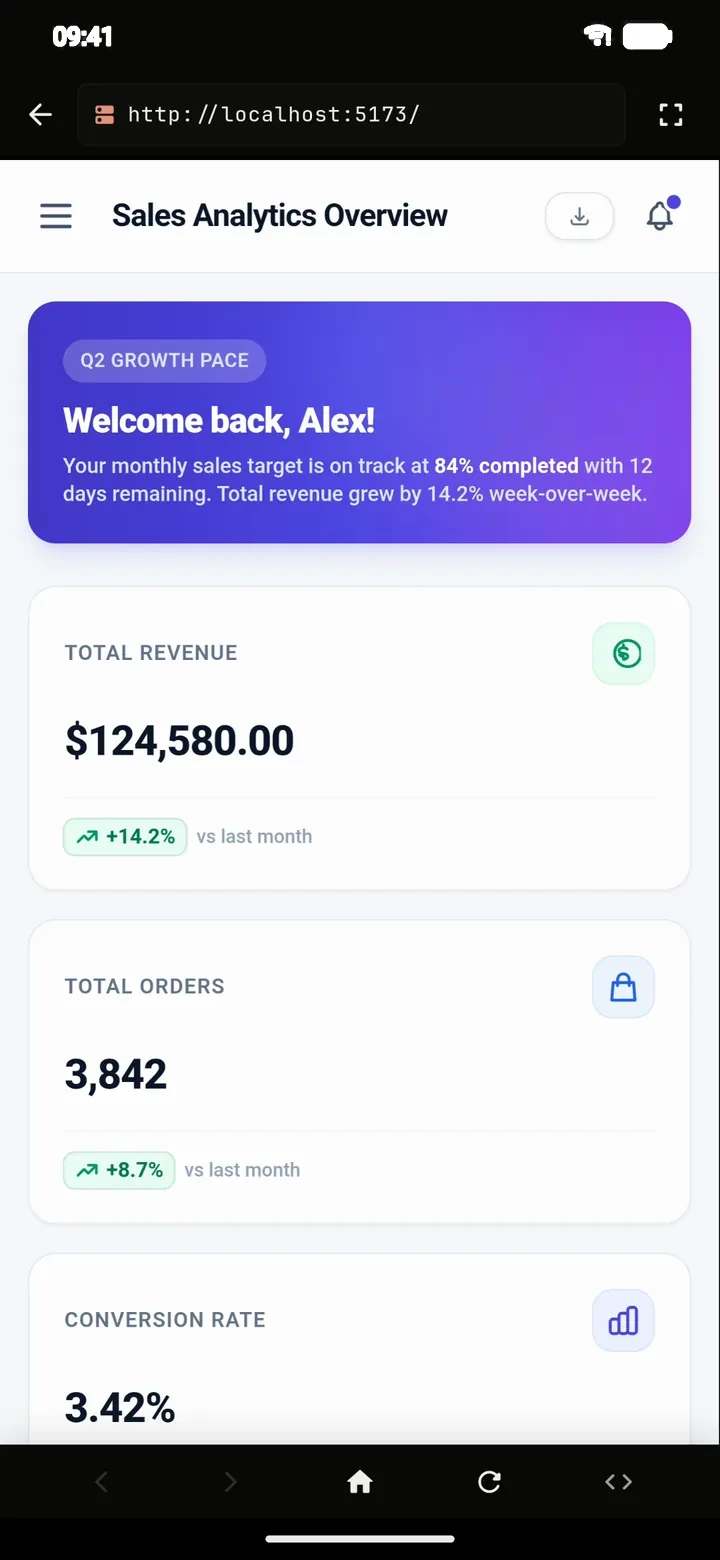
# what-it-is
Vibe coding is building software by describing the result in natural language and steering an AI as it writes the code, instead of typing every line yourself. You think in features and behavior; the agent handles files and syntax.
It works best when the AI can run what it writes. An assistant that only pastes code leaves you to debug. An agent that starts the dev server, reads the error and fixes it keeps you in the flow. That is the loop PolyDev runs on your phone.
# on-a-phone
Say it. “A habit tracker with a weekly chart, dark mode and local storage.” Or start from one of 24 templates.
Approve the plan. For bigger tasks the agent writes a plan first. You can edit it before any file changes.
Watch it build. Files are written, packages installed and the dev server started in the on-device Linux terminal.
Look and steer. Open the live preview, then ask for changes: “make the chart bigger”, “add a reset button”.
Ship it. Deploy to Vercel or Cloudflare Pages in one tap, or push to GitHub.
# tips
# limits
An agent can write plausible code that is wrong, so review what it ships, especially anything that handles money, accounts or personal data. Vibe coding speeds up the work; it does not replace judgment.
A phone also has less memory than a laptop, so very large projects and heavy builds are slower. For the basics, see how to code on your phone and the AI coding agent.
# faq
Vibe coding is building software by describing what you want in natural language and letting an AI agent write and run the code, while you steer and review the result.
Yes. PolyDev runs an AI agent on Android with a real Linux terminal, a live preview and one-tap deploy, so the whole loop of describing, building, previewing and shipping happens on the phone.
It helps to understand what you are building, but you can start without writing code yourself. Reading the plan and the diffs is the skill that matters most.
Real. The agent edits actual project files in a real Linux environment, and you can deploy the result to Vercel or Cloudflare Pages or push it to GitHub.
Your choice: the built-in free tier, or your own key from 15+ providers, or a local model through Ollama.
Yes. Push to GitHub from the built-in Git client at any time.
Install PolyDev from Google Play — free to start, no card required.