A cloud IDE fits if…
- You mostly work on a laptop with a good connection
- You want a machine that is the same everywhere
- You need more compute than a phone has
# replit-alternative-android
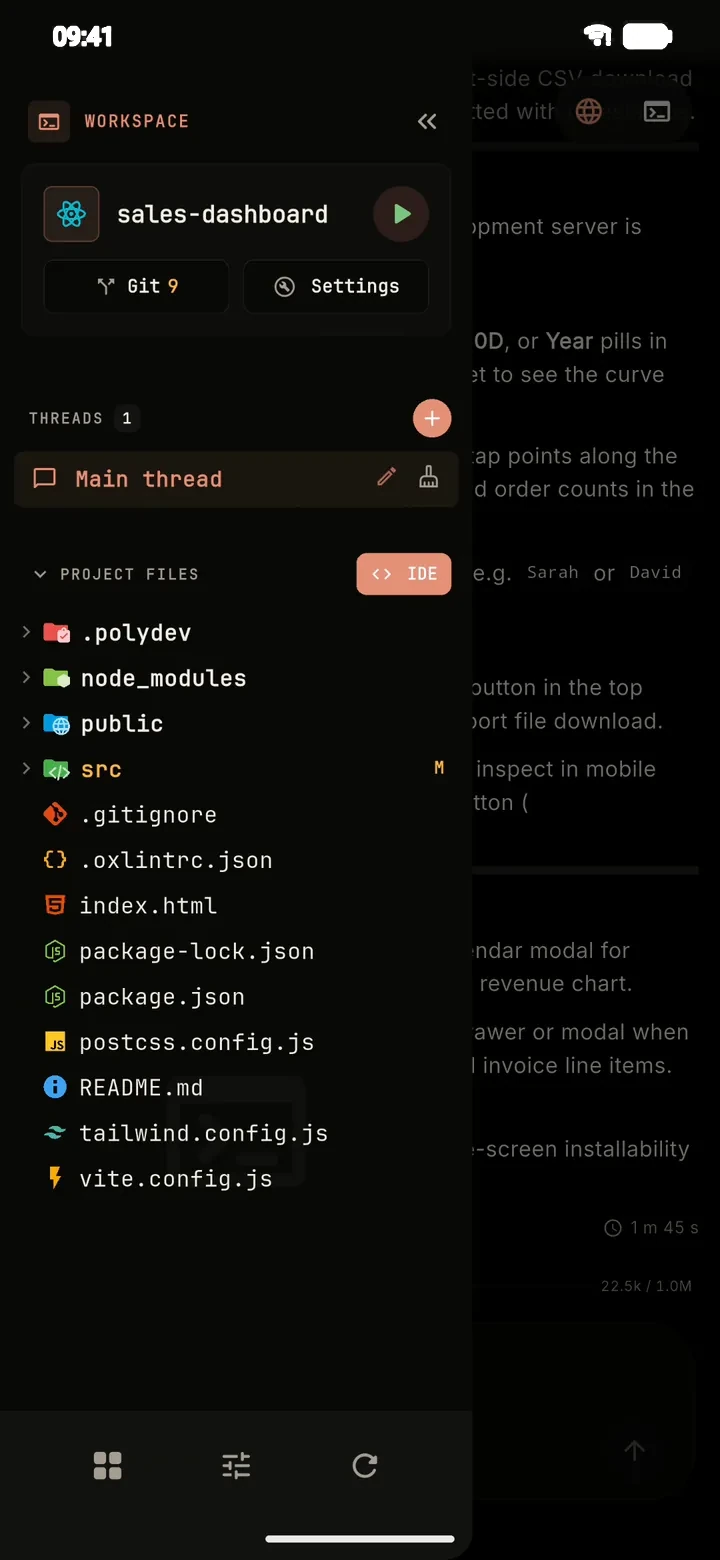
Replit and GitHub Codespaces run your code on a remote machine and show it in a browser. PolyDev takes the opposite approach: a native Android app with the terminal, editor and AI agent on the device itself.
# in-short
They solve similar problems from opposite ends: remote machine versus the device in your hand.
# comparison
General differences between the two approaches; features of specific cloud products vary, so check their current documentation.
| Cloud IDE | PolyDev | |
|---|---|---|
| Where code runs | A remote server | On your phone (Alpine Linux via PRoot) |
| Interface on a phone | A browser tab | A native Android app |
| Internet needed | To use the IDE at all | Only for the AI agent and installing packages |
| AI agent | Depends on the product and plan | Built in, with a free tier and your own keys from 15+ providers |
| Compute | Server resources | Your phone: fine for dev servers, slower for heavy builds |
| Deploy | Product-specific hosting or your own setup | One tap to Vercel or Cloudflare Pages, plus cloud APK/AAB builds |
| Code location | On the provider’s servers | On your device, with Git and GitHub when you want it |
# details
A phone is not a server. Heavy compiles and large installs are slower, because the Linux environment runs through PRoot. If you need serious compute, a cloud machine is still the better tool.
What you gain is a development environment that is in your pocket: it opens instantly, keeps working on a bad connection, and keeps your code on your device. Related: how to code on your phone and the AI coding agent.
# faq
For coding on a phone, yes. Both let you write and run code with AI help, but PolyDev is a native Android app that runs on the device, while cloud IDEs run on remote servers and are used through a browser.
It covers a similar need from a phone: a full dev environment with a terminal. PolyDev has a built-in Git client and GitHub integration, and the environment runs locally instead of on a remote machine.
The terminal, editor and local dev server work offline. The AI agent needs internet to reach a hosted model, unless you run a local model with Ollama.
On your device's local storage. You can push it to GitHub at any time.
There is a built-in free AI tier, and you can bring your own API key. Pro and Ultra raise project and provider limits.
Install PolyDev from Google Play — free to start, no card required.