Works well
- Express, Fastify and other APIs
- Vite, Next.js, Vue and Svelte dev servers
- npm scripts, tests and linting
- Git, GitHub and one-tap deploy
# nodejs-on-android
PolyDev gives your phone a real Alpine Linux terminal with Node.js and npm, a dev server you can preview in the app, Git, and one-tap deploy. No root, no computer.
# how
PolyDev runs a genuine Alpine Linux environment through PRoot, so you do not need root. Node.js is installed automatically on first launch and you get real npm, not an emulation. Python, PHP and Go are available through the terminal too.
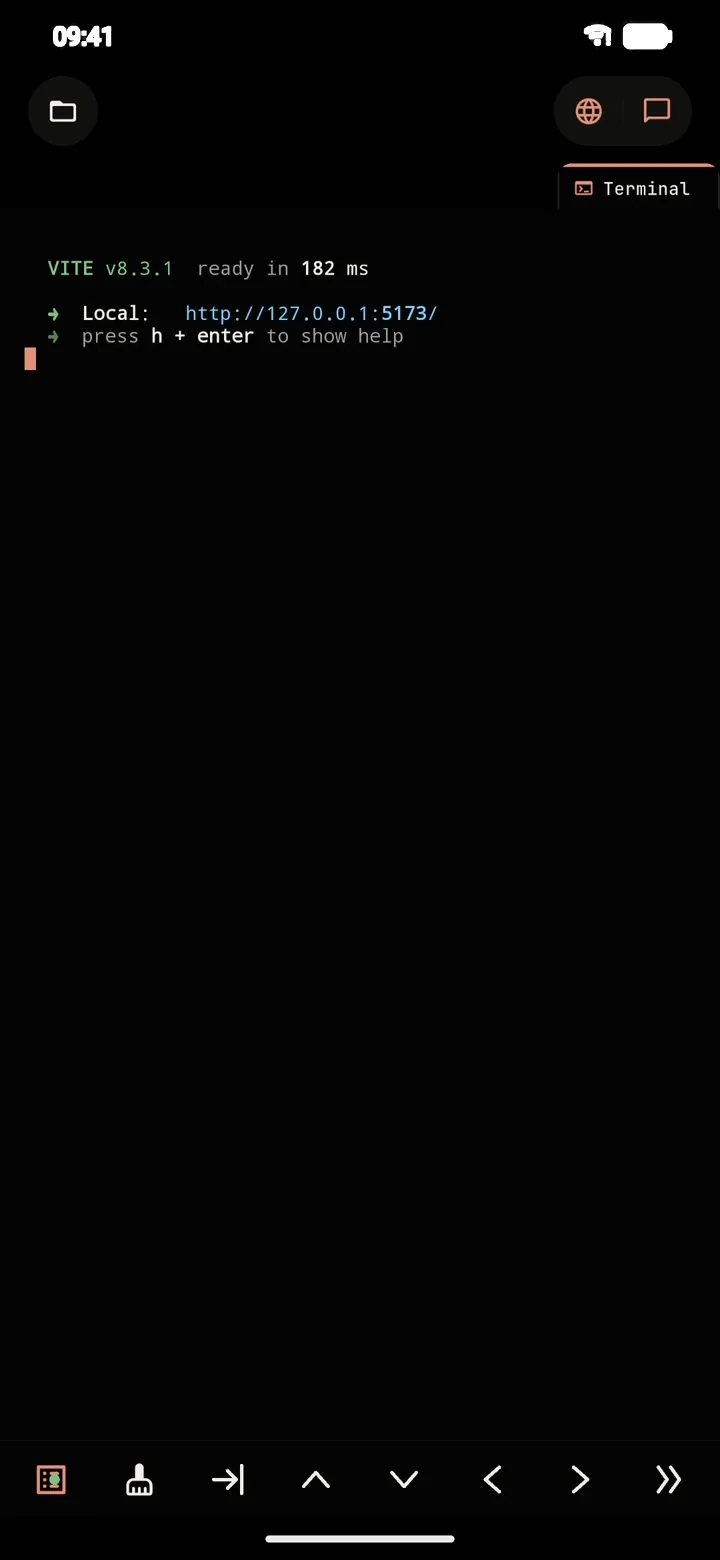
Dev servers bind to 127.0.0.1 inside the app, and the built-in live preview shows the page with the server logs next to it.
# steps
1. Install PolyDev from Google Play and open it.
2. Create a project from a template (Node.js, Vite, Next.js, Vue, Svelte and more) or start empty.
3. Run npm install in the terminal, or ask the agent to set the project up.
4. Run npm run dev. The preview opens inside the app.
5. Commit with the built-in Git client and deploy to Vercel or Cloudflare Pages.
# fit
# more
You can run every command yourself, or describe the app and let the AI agent install packages, write files and start the server. If you prefer a plain shell, compare PolyDev with Termux.
# faq
Yes. PolyDev runs Alpine Linux through PRoot and installs Node.js automatically on first launch, so you get real node and npm on a phone without root.
No. PolyDev works on stock Android.
Yes. Start it with npm run dev and open the built-in live preview. Servers bind to 127.0.0.1 inside the app.
Python, PHP and Go can be used through the terminal, alongside Node.js.
The terminal, editor and local dev server work without a connection. Installing new npm packages needs internet, and so does the AI agent unless you use a local model.
Deploy to Vercel or Cloudflare Pages in one tap, or push the code to GitHub.
Install PolyDev from Google Play — free to start, no card required.