
Stay with Termux if…
- You live in the command line and want full control
- You want the widest package selection on Android
- You script, use SSH or automate your phone
- You value a mature, open-source, community-driven tool
# termux-alternative
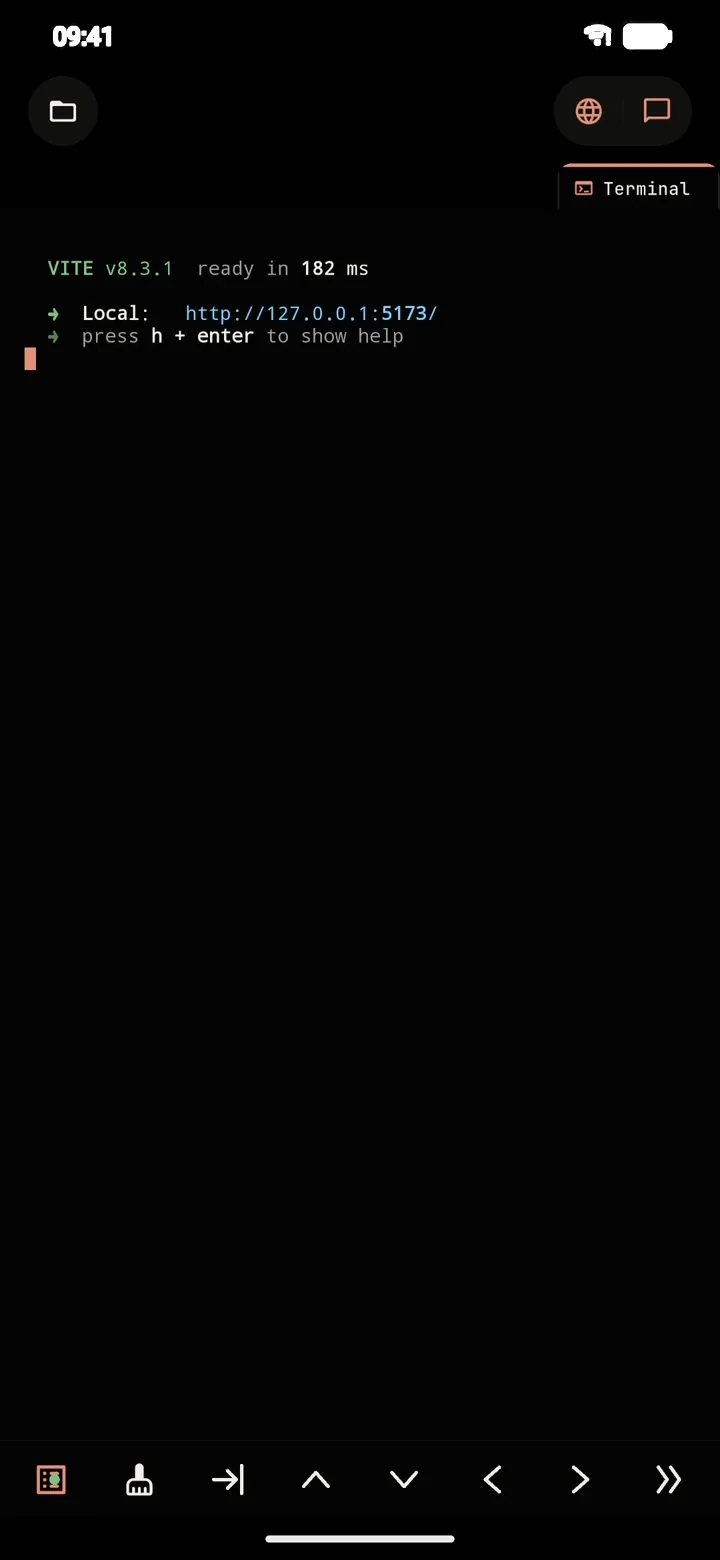
Termux gives you a shell. PolyDev gives you a whole workspace: an AI agent that writes and edits files, a real Linux terminal, a code editor, a live preview and one-tap deploy. All on your Android phone, no root.
# in-short
They overlap less than the search results suggest. Termux is a terminal; PolyDev is a development environment built around an AI agent.
# comparison
Termux facts are based on its public documentation; check the Termux README for the latest.
| Termux | PolyDev | |
|---|---|---|
| Type | Terminal emulator and Linux userland | AI coding agent + IDE + Linux terminal |
| Main interface | The command line | Chat with an agent, plus editor, terminal and preview |
| AI coding agent | Not built in: you install command-line AI tools yourself | Built in: reads your project, edits files, runs commands and fixes its own errors |
| Code editor | Terminal editors such as vim and nano | Tabbed editor with syntax highlighting, a shortcut bar and a visual Git panel |
| Linux environment | Android-native packages from Termux’s own repositories | Alpine Linux 3.21 in PRoot, with real npm, pip, composer, go and apk |
| Root required | No | No |
| Live preview | Run a dev server and open it in a browser | Built-in preview, with logs and errors next to the page |
| Deploy | Use each provider’s CLI by hand | One-tap deploy to Vercel or Cloudflare Pages, plus cloud APK/AAB builds |
| Performance | Runs natively on Android | PRoot adds some overhead: fine for dev servers, slower for heavy compiles |
| Price and licence | Free and open source | Free tier: use the built-in models or bring your own AI key. Pro and Ultra raise limits |
| Maturity | Long-established, large community | Newer, actively developed |
| Where to get it | F-Droid or GitHub (see the Termux README) | Google Play |
# details
What PolyDev adds on top of a terminal. You describe a task in plain language and the agent inspects your project, edits several files at once, runs commands in the terminal and corrects itself from the logs. Big changes start with a plan you can edit; every change is shown as a diff before it lands. There is a proper editor with tabs and syntax highlighting, a visual Git panel, a live preview of your dev server, and deploy to Vercel or Cloudflare Pages in one tap.
Where Termux is still the better choice. Termux runs natively, so it is faster for heavy compiling, and it has a large package repository built for Android. It is the right tool for scripting, SSH, running services and anything that needs the raw shell. It is also open source with a long track record, while PolyDev is newer.
Can you use both? Yes. They are separate apps with separate environments, so they can live side by side on the same phone. Use Termux for the shell and PolyDev when you want an agent and an IDE.
# faq
No. PolyDev is a separate app with its own Alpine Linux environment.
No. Like Termux, PolyDev runs on stock Android with no root. It runs Alpine Linux through PRoot instead of needing system access.
Not directly. The two apps have separate environments, packages and home directories. Plain shell, Node.js, Python or Git projects usually move over without changes; anything that depends on Termux-specific packages or paths needs adjusting.
If you want to learn the command line and Linux itself, Termux is an excellent teacher. If you want to build apps and have an AI agent explain what it is doing while you edit, preview and deploy, PolyDev is built for that.
Yes, if you already use it. The two solve different problems and can sit side by side on the same phone.
The app has a built-in free AI tier, so you can start without any setup. For heavier use you can connect your own API key and pay your provider directly. It is available on Google Play.
The terminal, editor and local dev server work without a connection. Only the AI agent needs internet to reach its model provider, unless you run a local model with Ollama.
Install PolyDev from Google Play — free to start.