The essentials
- A real Linux terminal (Alpine, no root)
- Node.js, Python, PHP and Go
- A tabbed code editor with syntax highlighting
- Git and GitHub from the phone
# code-on-phone
You do not need a laptop to build a web app. With a real Linux terminal, an editor and an AI agent on Android, you can write, run, preview and deploy from your pocket.
# overview
Phones have been powerful enough for years. What was missing was the software: a real development environment instead of a toy editor. A mobile IDE needs four things: a terminal that runs actual tools, an editor, a way to see the result, and a way to ship it.
PolyDev covers all four on Android, and adds an AI agent so you are not typing everything on a glass keyboard.
# what-you-get
# quick-start
1. Install PolyDev from Google Play and open it. Node.js is set up automatically on first launch.
2. Create a project from a template (React, Vite, Next.js, Vue, Svelte, a plain static site and more) or start empty.
3. Ask the agent for what you want in plain language and approve its plan.
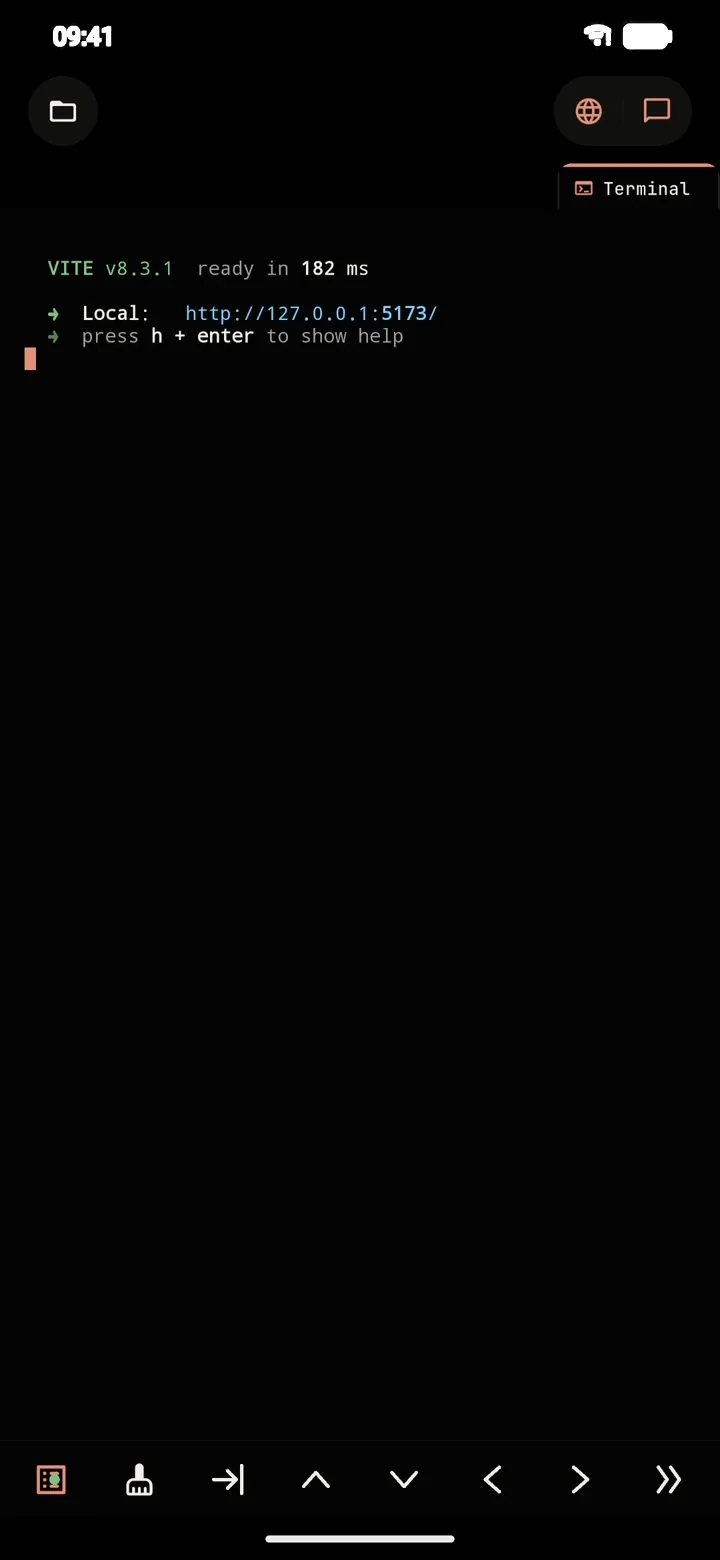
4. Preview it. The agent starts the dev server and you see the running app inside PolyDev.
5. Ship it. Deploy to Vercel or Cloudflare Pages, push to GitHub, or build an APK.
# limits
A phone has less memory and a smaller screen than a laptop. Heavy compiles and big installs take longer, because the Linux environment runs through PRoot rather than natively. Dev servers, small and medium web projects, scripts and deploys work well.
Related: the AI coding agent, Node.js on Android, PolyDev vs Termux.
# faq
Yes. With a real Linux terminal, a proper editor and an AI agent to do the typing-heavy parts, a modern Android phone is enough to build and deploy web apps, APIs and small tools.
An Android 8.0+ phone and the PolyDev app. Node.js installs automatically on first launch, and Python, PHP and Go can be added through the terminal. No root and no computer are required.
Websites and web apps (React, Vue, Svelte, Vite, Next.js and others), Node.js and Python backends, and Android apps built in the cloud. PolyDev ships 24 project templates to start from.
Describe changes to the AI agent in plain language instead of typing code, and use the editor's shortcut bar for symbols when you do edit by hand.
Yes. PolyDev has a built-in Git client and GitHub integration, so you can clone, commit and push from the phone.
Tap deploy to publish to Vercel or Cloudflare Pages, or build an Android APK/AAB through GitHub Actions or Expo EAS.
You can start for free with the built-in AI tier, or bring your own API key. Pro and Ultra raise project and provider limits.
Install PolyDev from Google Play — free to start, no card required.